Math & Equations
Capture any formula and get a step-by-step solution with full working shown.
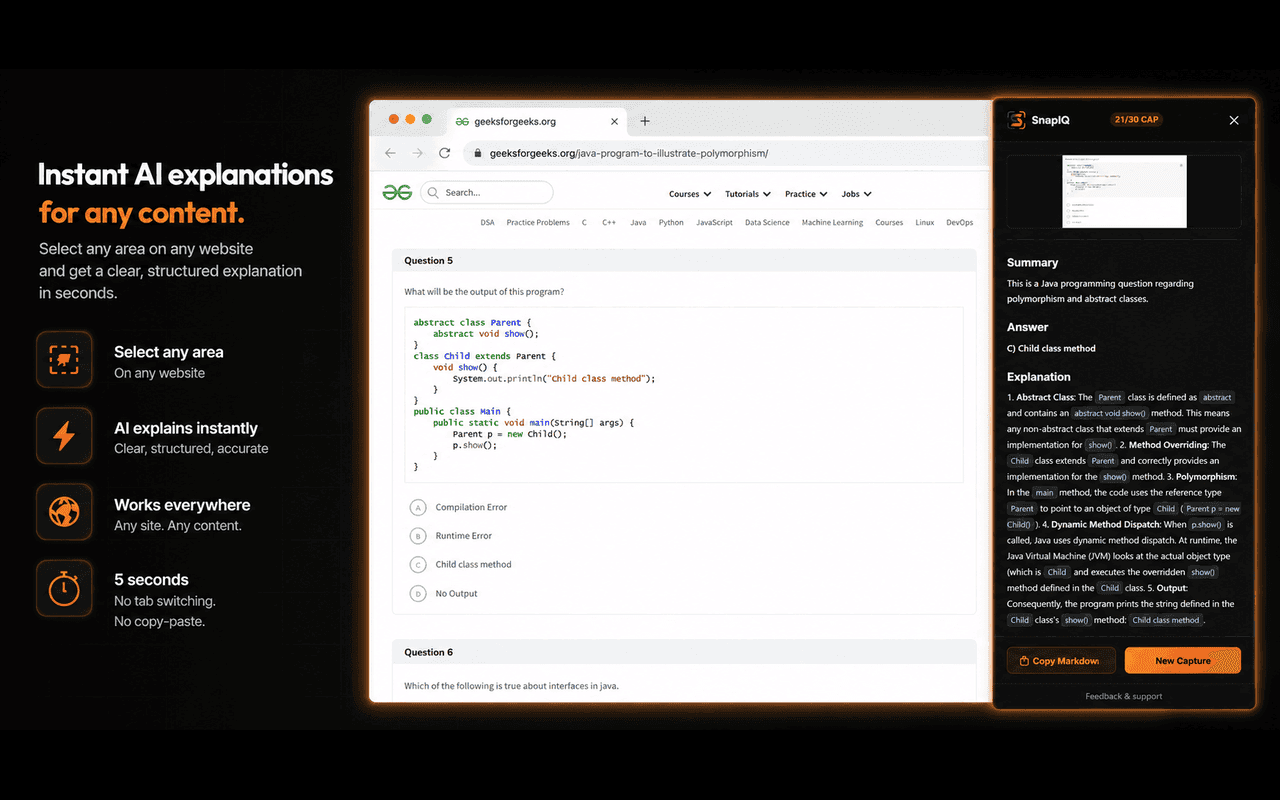
Select any region on your screen — code, math, errors, PDFs, diagrams — and get a structured explanation instantly.
Works on any website.
What it handles
Whatever is on your screen — SnapIQ understands it. No copy-pasting, no switching tabs.
Capture any formula and get a step-by-step solution with full working shown.
Snap a coding problem or snippet and get explained solutions with complexity analysis.
Dense paragraphs distilled into plain-English summaries in seconds.
Select any block of text and get the key ideas without reading everything.
Paste any stack trace and get the root cause diagnosed with an exact fix.
Capture architecture diagrams or data visualizations and get them explained.
How it works
SnapIQ fits invisibly into your workflow. Just point, snap, and understand.
Click the puzzle icon 🧩 in your Chrome toolbar and click the pin icon next to SnapIQ for 1-click access.
Click the SnapIQ extension icon, then drag your mouse to select any region — code, math, errors, or diagrams.
Our advanced vision AI instantly interprets and processes the layout, equations, and code on your screen.
A structured explanation appears in your sidebar — including problem summaries, step-by-step math, and code debugs.
Pricing
Start with 10 free captures. Upgrade for more when you need it.
10 captures
1,000 captures per month
1,000 captures per month